
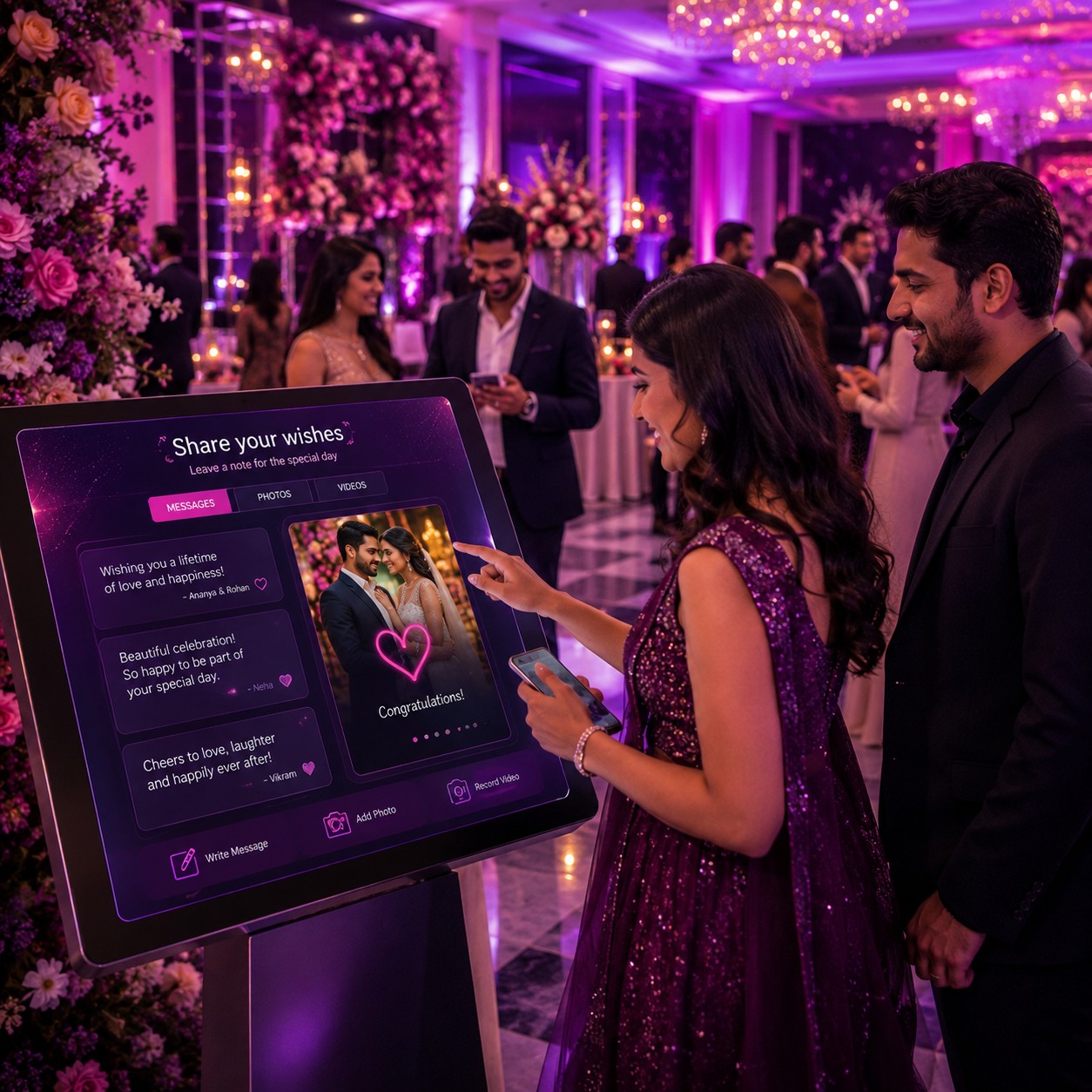
Digital Guestbook Platform
Digital guestbook platforms let anniversary guests share online messages, memories and attendee notes, creating a lasting digital keepsake for the celebration.
Explore Digital & Tech-Enabled Event Experiences



Explore Other Experiences














Explore by Occasion
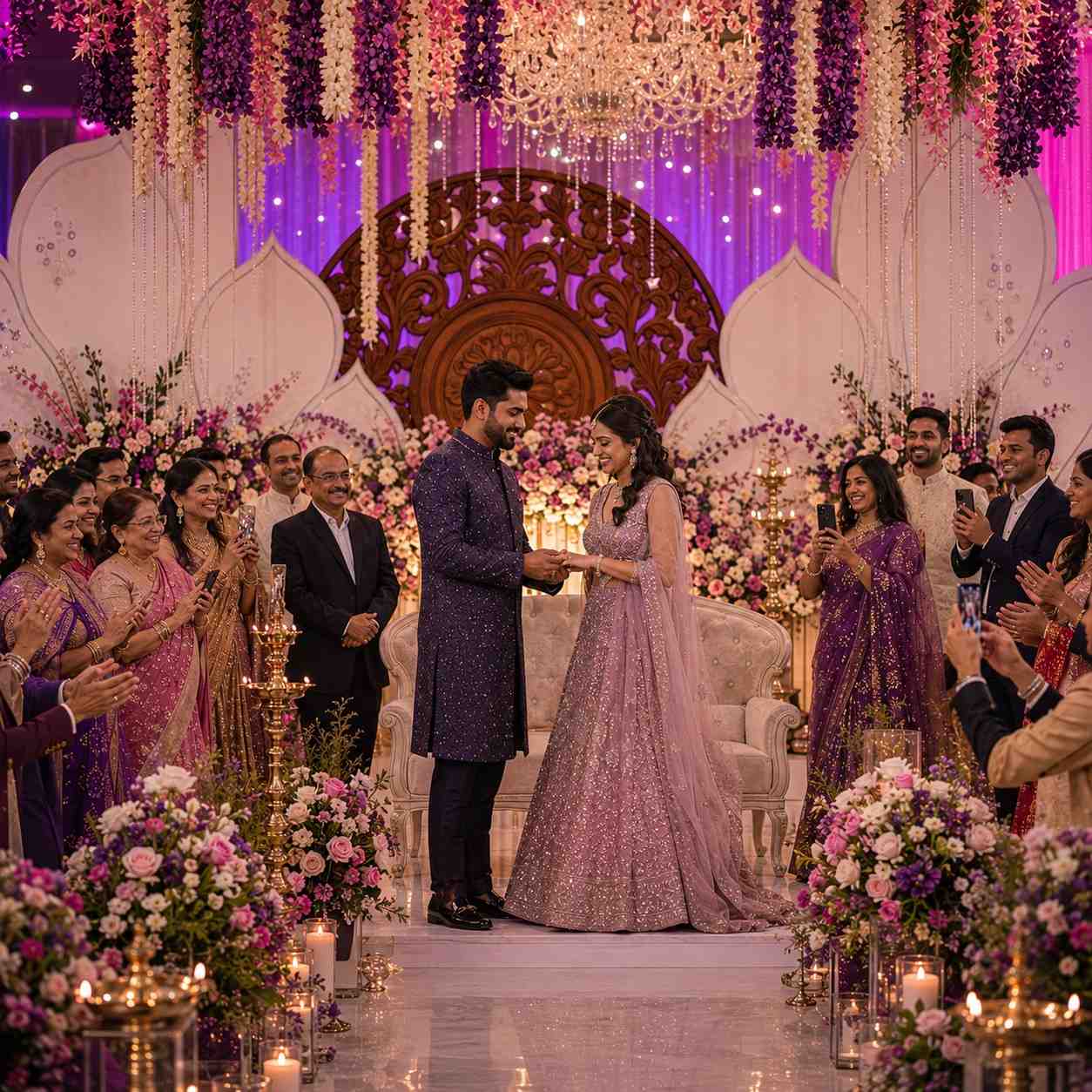





Digital Guestbook Platform and Online Memory Sharing for Anniversary Functions
◆Anniversary functions bring together family members, friends, colleagues and other guests who may want to share personal messages with the couple or honourees. A digital guestbook provides an online space where attendees can leave written notes, memories, greetings and other approved content.
Unlike a traditional paper guestbook, a digital platform can allow messages to be collected electronically and preserved as an online record. Depending on the platform, guests may also be able to share photographs or other digital memories.
The Art of a Digital Guestbook
A digital guestbook creates a dedicated space for guests to contribute messages during or after an anniversary celebration. The platform can be accessed through a smartphone, tablet or other supported device.
The exact contribution features depend on the selected guestbook service.
Online Messages
Guests can use the digital guestbook to write congratulations, anniversary wishes and personal messages. These contributions can create a collection of greetings from people who attended the function.
Organisers can establish appropriate submission guidelines before the event.
Memory Sharing
Friends and family can share memorable moments associated with the couple or anniversary honourees. These memories can turn the guestbook into a broader record of the celebration and relationships surrounding it.
Attendee Notes
Attendee notes provide a simple way for guests to leave short personal messages. Guests can typically submit their contribution through the platform's designated interface.
The organiser can decide whether notes are displayed immediately or reviewed before publication where moderation features are available.
Digital Anniversary Guestbook
An anniversary guestbook can be customised around the milestone being celebrated. The page may include the couple's names, anniversary date, event information and a personalised welcome message.
Design and branding options vary between platforms.
Anniversary Wishes
Guests can contribute written wishes for the couple's anniversary. These messages can range from brief greetings to longer personal reflections.
A collection of wishes can provide a digital keepsake that can be revisited after the celebration.
Family Memory Collection
Family members can use a digital guestbook to record stories and memories connected with the couple. This can be especially meaningful for milestone anniversaries involving several generations.
The organiser can provide prompts to encourage guests to share specific memories.
Guest Photograph Sharing
Some digital guestbook platforms allow attendees to upload photographs along with their messages. Guests can contribute event photographs or other approved memories where the platform supports image uploads.
Image size, storage and file-format limits depend on the service.
Digital Celebration Keepsake
The completed guestbook can serve as a digital keepsake after the anniversary function. The couple or honourees can revisit the messages and memories collected from their guests.
Whether content can be downloaded, exported or retained indefinitely depends on the platform.
QR Code Guestbook Access
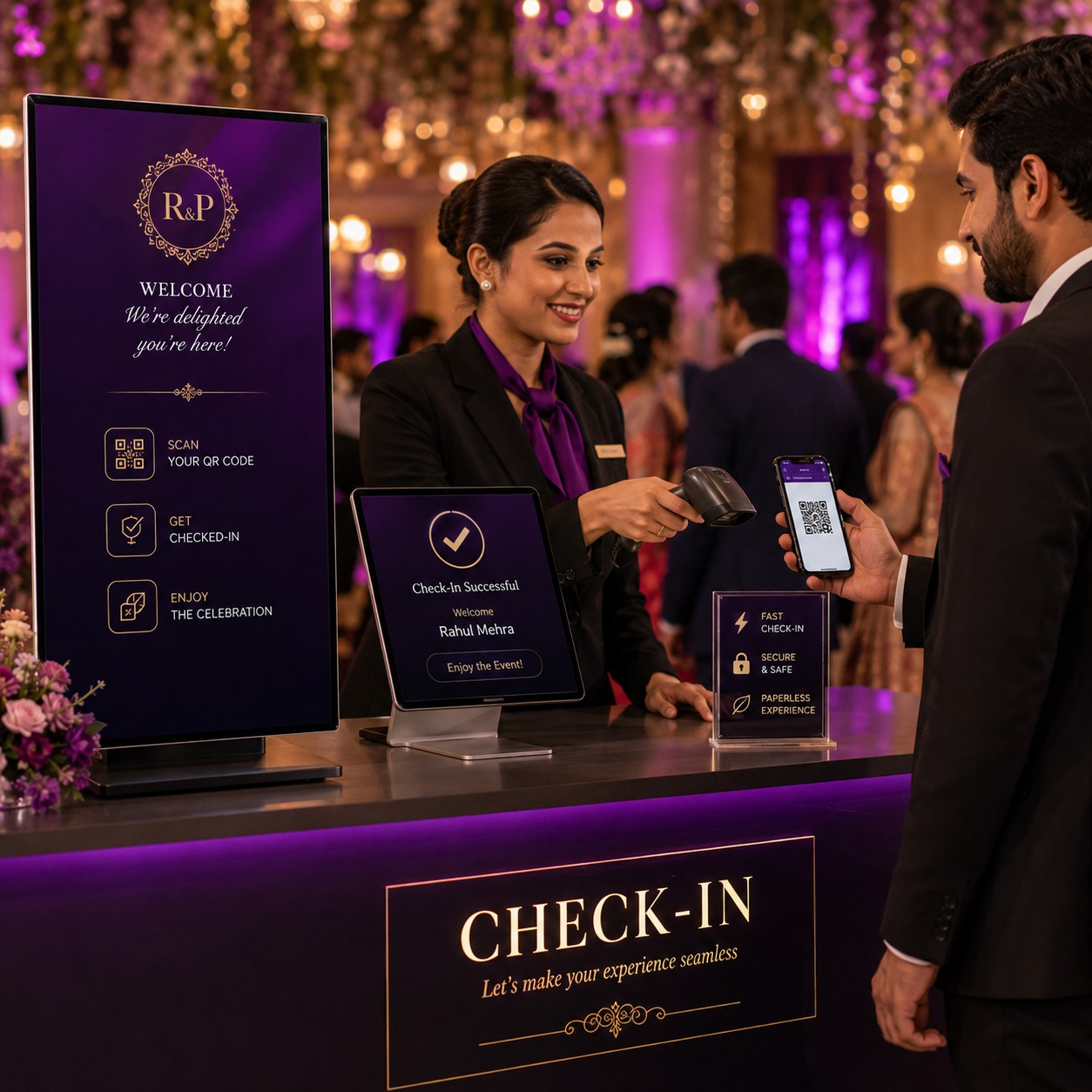
A QR code displayed at the anniversary venue can provide guests with a convenient way to access the digital guestbook. Guests can scan the code using a compatible smartphone and submit their contribution.
The QR code can be displayed on tables, welcome signs or other suitable event materials.
Guestbook Signage
Clear signage can explain how guests can access and contribute to the digital guestbook. Instructions can include a QR code and a short invitation to leave a message.
The signage can be designed to match the anniversary celebration where customisation is supported.
Mobile Guestbook Access
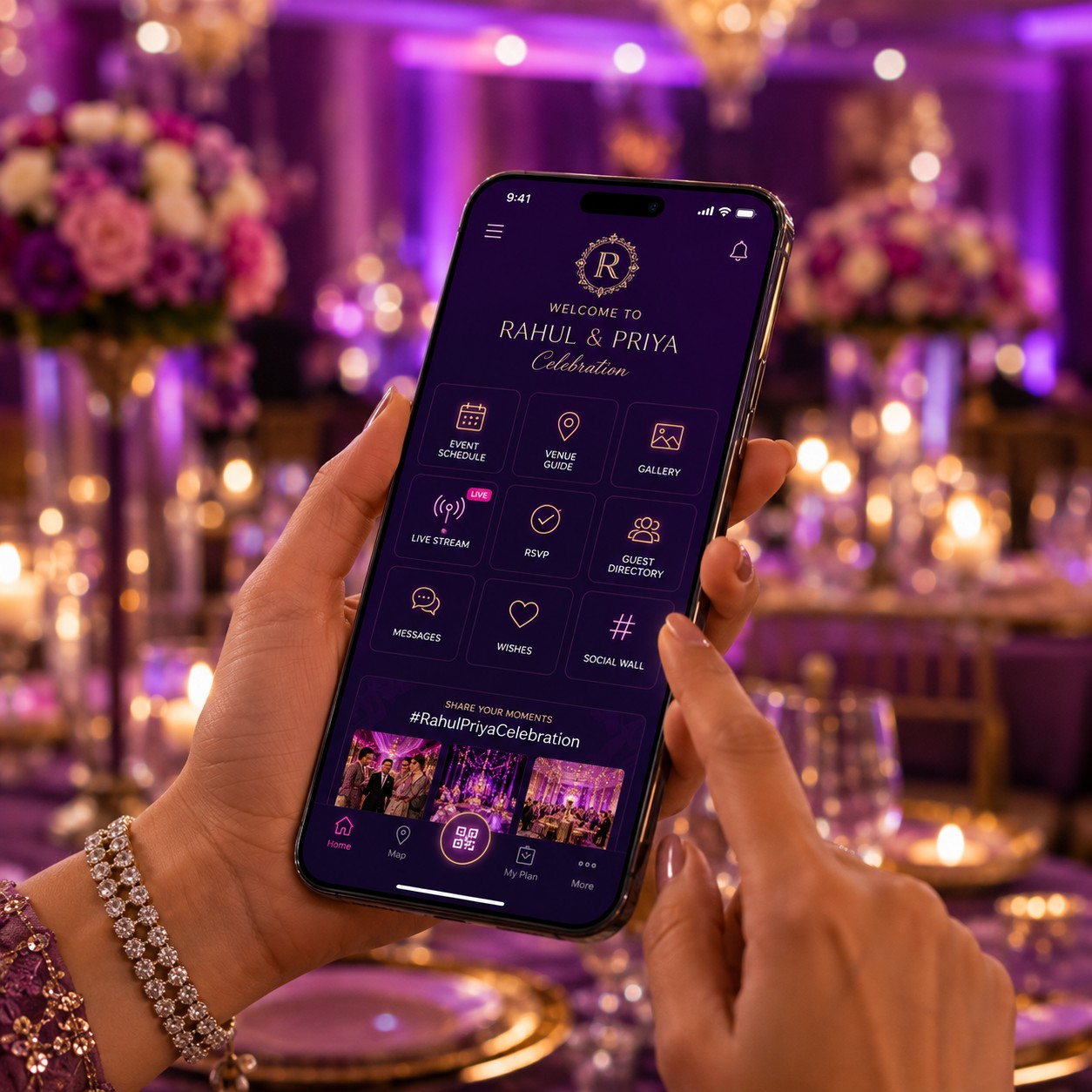
A mobile-friendly guestbook can allow guests to participate directly from their smartphones. This removes the need for a dedicated physical guestbook station when the platform supports remote access.
The interface should be tested on commonly used mobile devices before the event.
Virtual Guestbook
Guests who cannot attend the anniversary function in person may still be able to contribute remotely through an online guestbook. This can extend participation beyond the physical venue.
The organiser can share the guestbook access information with invited remote participants.
Remote Family Messages
Family members living in other cities or countries can submit anniversary messages without attending the event. These contributions can be collected alongside messages from guests at the venue.
This can make the digital guestbook useful for geographically distributed families.
Anniversary Event Memories
A digital guestbook can combine messages and memories from different stages of the celebration. Depending on the platform, guests may contribute during the event or after it has concluded.
The organiser can keep the submission period open for an agreed duration.
Moderated Guest Messages
Some platforms provide moderation functionality that allows organisers to review contributions before they become visible to other guests.
Moderation can be useful when the guestbook is publicly accessible or when organisers want to maintain a particular presentation standard.
Private Guestbook Options
A digital guestbook can be configured as a private or restricted-access space where supported. This can limit participation and viewing to invited guests.
Access settings should be reviewed before the guestbook is shared.
Personalised Guestbook Design
The guestbook can incorporate anniversary-themed graphics, photographs, names, dates and other approved visual elements where the platform provides customisation.
A personalised design can make the digital page feel more connected to the occasion.
Anniversary Milestone Themes
Different milestone anniversaries can use different themes and messaging. A digital guestbook can be adapted for significant wedding anniversaries or other relationship milestones.
The content and design should reflect the celebration chosen by the organiser.
Corporate Anniversary Functions
Digital guestbooks can also be used for company anniversaries, employee milestones or organisational celebrations. Attendees can leave congratulatory messages and memories associated with the organisation.
Branding and access settings can be configured according to the event requirements.
Guestbook for Family Celebrations
Family anniversary functions can use digital guestbooks to collect messages from relatives and friends. A shared online space can make it easier to preserve contributions from guests of different ages and locations.
Event Guestbook Display
Some event setups may display submitted messages on a screen at the venue, where the platform supports live display functionality. This can turn guest contributions into part of the event experience.
Any public display should use appropriate moderation and privacy settings.
Guestbook Message Prompts
Message prompts can encourage guests who are unsure what to write. Examples can invite them to share a favourite memory, anniversary wish or message for the couple.
Prompts should be concise and appropriate to the celebration.
Guestbook Notifications
Some platforms may provide notifications when new messages or contributions are submitted. These can help organisers monitor participation during the event.
Notification features depend on the selected service.
Digital Guestbook Accessibility
The guestbook should be easy for attendees to access and navigate. Clear instructions and a mobile-friendly interface can help guests participate without extensive technical assistance.
Alternative participation arrangements may be useful for guests who cannot use the digital platform.
Guest Data and Privacy
Digital guestbooks can collect names, messages, photographs and other personal information. Organisers should understand how the platform stores, displays and manages submitted content.
Privacy settings and access permissions should be configured according to the nature of the anniversary event.
Content Ownership and Retention
Organisers should review the platform's terms regarding submitted photographs, messages and other content. It is also useful to understand how long contributions remain available and whether the guestbook can be exported or archived.
Planning Your Digital Guestbook
Begin by deciding what guests should be able to contribute, such as messages, memories, photographs or attendee notes. Determine whether the guestbook will be public, private or accessible only to invited participants.
Next, prepare the guestbook design, create the access link or QR code and test the submission process. Display clear instructions at the venue and communicate access details to remote guests where appropriate.
Booking Digital Guestbook Services
When arranging a digital guestbook for an anniversary function, consider message collection, memory sharing, photograph uploads, QR access, mobile compatibility, guest moderation, privacy settings, custom design and content retention.
A digital guestbook provider can create an online space for guests to contribute anniversary messages and memories during or after the celebration. Organisers should confirm platform features, access controls, storage arrangements and content policies before use.
Frequently Asked Questions
1. What is a digital guestbook platform?
A digital guestbook platform provides an online space where guests can leave messages, memories, notes and, on some platforms, photographs for a celebration.
2. Can guests leave anniversary wishes online?
Yes. Guests can use the platform to submit written anniversary greetings and personal messages.
3. Can guests share photographs?
Some digital guestbook platforms support photograph uploads alongside written contributions.
4. Can guests access the guestbook using a QR code?
Yes. A QR code can provide a convenient way for guests to open the guestbook on their smartphones when the platform supports QR-based access.
5. Can people who cannot attend the anniversary contribute?
Yes. An online guestbook can allow remote family members and friends to submit messages if the organiser provides them with access.
6. Can guest messages be moderated?
Some platforms provide moderation tools that allow organisers to review submissions before displaying them.
7. Can a digital guestbook be private?
Some platforms provide private or restricted-access options. The available controls depend on the service.
8. Can a digital guestbook be displayed at the venue?
Some systems can display submitted messages on an event screen. Organisers should use suitable moderation and privacy settings for public displays.
9. How long can anniversary messages remain available?
Retention periods vary by platform. Organisers should check storage, export and account-retention policies before selecting a service.
10. What should I consider when booking a digital guestbook?
Consider online messages, memory sharing, photograph uploads, QR access, mobile compatibility, moderation, privacy, custom design, remote participation, storage and content-retention options.