
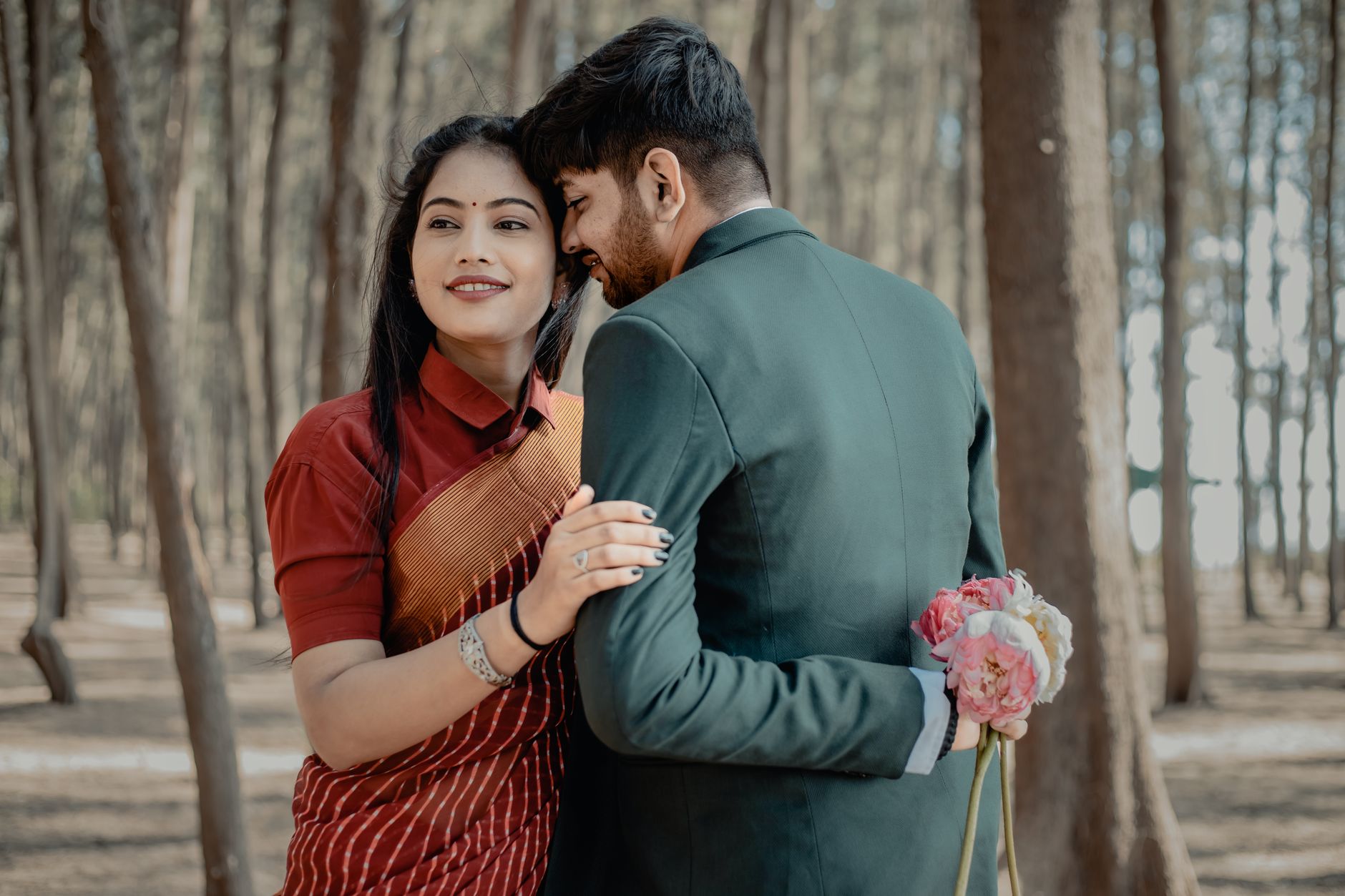
Design Your Perfect Couple Tag
Planning tools in Madurai
Custom Couple Tag Tool for Madurai Weddings
Planning a wedding in Madurai — whether a grand affair at a Meenakshi Amman corridor venue or an intimate family gathering in Narimedu — demands personal touches that make every guest feel celebrated. The Custom Couple Tag Tool on Happiffie lets you design, preview, and download personalised couple name tags in minutes, without hiring a graphic designer. As a core part of your Madurai wedding planning tools, it pairs seamlessly with bridal stationery design Madurai couples are already creating on the platform. Choose from Tamil script, English, or bilingual layouts, embed your wedding date, and match fonts to your invitation palette — all from one intuitive dashboard.
Quick Answer
A Custom Couple Tag Tool is a digital design utility that lets engaged couples create personalised name-and-date tags for wedding invitations, favour boxes, and décor items. On Happiffie, Madurai couples can pick fonts, colours, and scripts — including Tamil — preview the tag instantly, and export print-ready files. It eliminates the need for a separate designer and typically reduces stationery lead time by several days.
What Is a Custom Couple Tag Tool and Why Do Madurai Couples Need It?
A Custom Couple Tag Tool is a browser-based design utility that generates branded name tags bearing both partners' names, wedding date, and optional motifs — ready for printing on invitation inserts, gift favour boxes, sweet packaging, or floral arrangements. In Madurai's wedding culture, where gold-toned Kanjivaram silk themes, jasmine garland motifs, and Tamil script lettering are staples, a generic tag simply does not fit. The tool lets you select Tamil Unicode fonts alongside English serifs, choose auspicious colour palettes like turmeric yellow, kumkum red, or temple-green, and add traditional kolam border patterns. Because Madurai weddings often involve 300–800 guests across multiple functions — from the nalangu to the main muhurtham — you may need tags for dozens of product types. A single, reusable template in the Custom Couple Tag Tool means consistent branding across every element without repeated designer fees, which typically range from ₹500 to ₹2,000 per custom design revision in Madurai's local market.
How the Personalised Couple Name Tag Maker Works on Happiffie
The personalised couple name tag maker on Happiffie follows a three-step flow: design, preview, and export. In the design phase, you enter both names, select a script (Tamil, English, or bilingual), choose a tag shape (rectangle, oval, scalloped, or leaf), and upload a small motif such as a temple lamp or peacock silhouette. The live preview renders your tag at actual print dimensions — typically 2 inches by 3 inches for favour boxes and 3.5 inches by 2 inches for invitation inserts — so you know exactly what the printer will produce. The export phase generates a high-resolution PDF or PNG at 300 DPI, compatible with any local print shop in Madurai's Dindigul Road or Bypass Road stationery clusters. Because the personalised couple name tag maker stores your template in your Happiffie account, you can revisit and tweak it even after placing print orders, making last-minute guest-count changes easy to accommodate.
Which Tag Styles Work Best for South Indian Wedding Aesthetics?
South Indian wedding tag design leans heavily on symmetry, devotional iconography, and rich colour contrast. Within the Custom Couple Tag Tool, the most popular choices among Madurai users are the temple-arch frame (a rounded top evoking gopuram silhouettes), the banana-leaf border (ideal for lunch-plate favour boxes at traditional sadhya-style meals), and the simple ribbon-crest format used widely for destination weddings at Kodaikanal resorts booked through Madurai wedding planners. For couples prioritising digital wedding personalisation, the tool also generates web-ready PNG files sized for WhatsApp invitation cards and Instagram story templates — a growing trend among Madurai couples in the 25–35 age bracket who blend traditional ceremony with modern digital outreach. Colour recommendations for South Indian wedding tag design include deep maroon with gold foil simulation, ivory with terracotta borders, and pastel pink with silver accents for reception functions.
How Much Does It Cost to Use the Couple Monogram Tag Creator in Madurai?
Happiffie's couple monogram tag creator is available in a free tier and a premium tier. The free tier lets you create up to five unique tag templates with standard fonts and shapes, export at 150 DPI suitable for digital sharing, and store designs for 30 days. The premium tier, priced at approximately ₹299 for a 60-day project window, unlocks 300 DPI exports, Tamil Unicode font packs, foil-effect simulations, and unlimited template saves — a significant saving compared to hiring a Madurai-based graphic designer who typically charges ₹800–₹2,500 per tag concept. For couples managing bridal stationery design Madurai vendors alongside the tool, the premium tier also generates a unified style sheet (hex codes, font names, motif files) that you can hand directly to your printer or décor vendor, eliminating miscommunication. Most Madurai couples find the premium tier worthwhile for weddings above 200 guests where tag consistency across multiple stationery items is critical.
What Are the Most Common Uses of the Wedding Couple Label Generator for Madurai Functions?
The wedding couple label generator sees its highest usage across six Madurai wedding contexts. First, invitation inserts: a small folded tag tucked into the envelope naming both partners and the muhurtham date. Second, sweet box labelling: for the traditional boxes of Mysore pak and adhirasam distributed to guests, a branded label adds an upscale feel. Third, favour packaging: small jute bags containing saffron or dry fruits handed out at nalangu ceremonies. Fourth, table number cards at reception halls in areas like KK Nagar or Anna Nagar, Madurai, where banquet seating is formal. Fifth, floral arrangement tags tied to jasmine or rose centrepieces. Sixth, digital use: the same label exported as a PNG forms the header of WhatsApp wedding broadcast messages. The Custom Couple Tag Tool consolidates all six into one design system, so fonts and colours stay consistent whether the output is printed at 5 cm or displayed on a smartphone screen. This is a key advantage Madurai wedding planning tools offer over standalone design apps.
Custom Couple Tag Tool vs. Other Tag Creation Options for Madurai Weddings
Expert Recommendation
Best for Intimate Madurai Celebrations (Under 100 Guests)
Best for Large Traditional Weddings (300–800 Guests)
Best for Destination Weddings Booked via Madurai Planners
Best for Budget-Conscious Couples
Best for Modern Couples Blending Tradition and Digital
How to Choose the Right Option
✅ Pre-booking Checklist
- Confirm both names in Tamil and English spellings before opening the tool to avoid font rendering errors
- Collect your wedding colour palette hex codes from your decorator or invitation designer first
- Decide which functions need unique tags — nalangu, muhurtham, reception — before building templates
- Check print dimensions with your Madurai stationery vendor before finalising tag size in the tool
- Download and review a physical test print at a local shop before approving bulk quantities
- Save your premium style sheet (fonts, hex codes, motif files) and share it with all vendors
- Export both PDF (print) and PNG (digital) versions from the wedding couple label generator in one session
🎯 Selection Criteria
- Script support: confirm Tamil Unicode is available if you need bilingual tags
- Export resolution: 300 DPI is the minimum for crisp physical printing on glossy or matte stock
- Template storage duration: ensure the tool saves your designs for the full planning window
- Motif library relevance: check that South Indian wedding motifs (kuthuvilakku, kolam, peacock) are included
- Style sheet output: the tool should generate a shareable file of all design variables for vendor handoff
💰 Cost / Quality Factors
- Guest count directly affects the number of tag types needed and whether premium tier is cost-effective
- Number of functions (nalangu, muhurtham, reception) multiplies the template count required
- Print stock choice (kraft, glossy, matte) affects how colours render — test before bulk printing
- Bilingual requirement adds complexity; confirm font pairs look balanced before finalising
- Digital wedding personalisation needs (WhatsApp, Instagram) require web-optimised PNG alongside print PDF
⚠️ Common Mistakes to Avoid
- Finalising the tag design before confirming spelling of both names in Tamil script with family elders
- Exporting at low resolution (150 DPI) for physical printing, resulting in blurry text on favour boxes
- Using inconsistent colour codes across the personalised couple name tag maker and your invitation designer, causing visible mismatches
- Skipping a physical test print and discovering font rendering issues only after bulk printing
- Creating all tags in a single generic template without adjusting occasion name or colour per function
- Not saving the premium style sheet before the project window expires, losing consistent brand data
People Also Ask
Is the Custom Couple Tag Tool free to use on Happiffie?
Can I create tags in Tamil script using the tool?
How do I print the tags designed on Happiffie in Madurai?
What tag shapes are available in the couple monogram tag creator?
How many tag templates can I save for one wedding?
Does the tool work for pre-wedding functions like nalangu or haldi?
Can I use the same tag design for WhatsApp wedding invitations?
What motifs can I add to the tag for a traditional Madurai wedding feel?
Related Experiences on Happiffie
Your Perfect Wedding Hashtag Starts Here
Create Your Perfect Couple Name in Coorg
Jaipur Fusion Weddings Done Right
Find Your Perfect Bridal Payal in Jaipur
Modern Memories for Your Big Day
Celebrate Your Roots in Royal Style
Frequently Asked Questions
Is Happiffie's Custom Couple Tag Tool available in Tamil for Madurai weddings?
How long does it take to create a tag using the personalised couple name tag maker?
Can the wedding couple label generator handle temple-style motifs popular in Madurai?
What file formats does the couple monogram tag creator export?
Is the Custom Couple Tag Tool suitable for Tamil Brahmin or Mudaliar wedding stationery styles?
Can I use the tool to create tags for my Madurai wedding's sweet boxes and favour bags?
Does Happiffie's Madurai wedding planning tools section offer any other digital design utilities besides the tag tool?
Key Takeaways
- The Custom Couple Tag Tool on Happiffie lets Madurai couples design, preview, and export wedding name tags in Tamil or English without hiring a graphic designer.
- The free tier suits intimate weddings under 100 guests; the premium tier at ~₹299 is cost-effective for large weddings needing 5-plus stationery types.
- Tamil Unicode fonts and South Indian motifs — kolam borders, kuthuvilakku, peacock silhouettes — make the tool specifically relevant to Madurai wedding aesthetics.
- Exporting both 300 DPI PDFs for print and web-optimised PNGs for digital wedding personalisation ensures brand consistency across all channels.
- The premium couple monogram tag creator generates a unified style sheet (hex codes, font names, motif files) that simplifies vendor handoff significantly.
- Common mistakes include skipping physical test prints, using inconsistent colour codes, and not saving the style sheet before the project window closes.
- The wedding couple label generator is useful across all Madurai functions — nalangu, muhurtham, and reception — with separate templates per occasion recommended.
Design Your Madurai Wedding Tags Today
Use Happiffie's Custom Couple Tag Tool — Tamil fonts, South Indian motifs, and print-ready exports in one free dashboard.
Create Your Tag
Are you a Vendor? Grow Your Business with Happiffie!
- High intent verified leads
- Reverse auction opportunities
- AI business tools & insights
- Dedicated vendor dashboard
- Grow your business, your way
It's free & takes less than 2 minutes!