
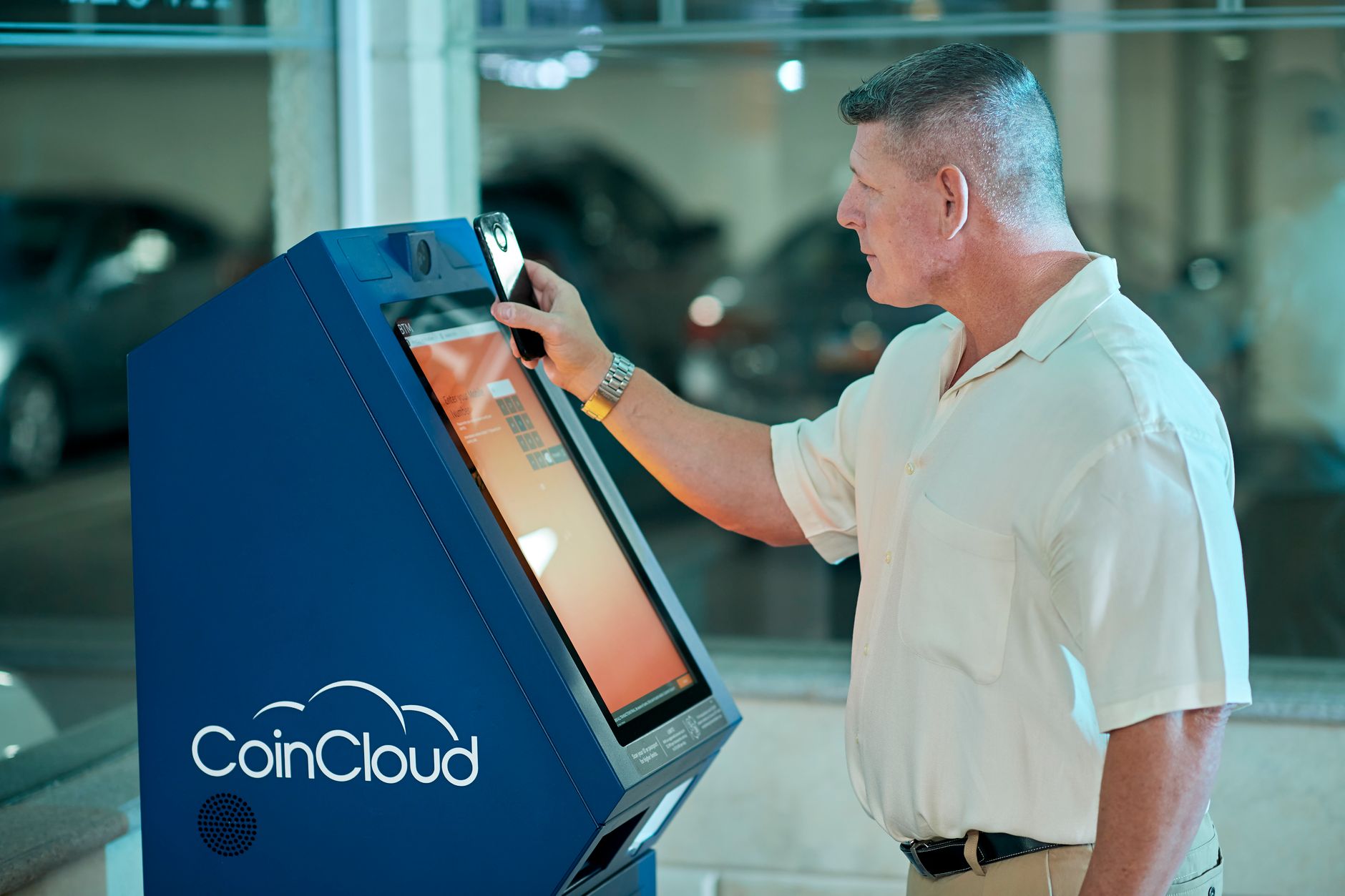
Smart Digital Kiosks for Your Celebration
DigitalTechEnabled in Kochi
Interactive Touchscreen Information Kiosks for Weddings & Events in Kochi
Planning a wedding or large celebration in Kochi? Interactive Touchscreen Information Kiosks have become essential for managing guest experience in the digital age. These smart digital event display systems allow your guests to access real-time schedules, venue maps, dietary information, and RSVP confirmations at a glance—eliminating the need for printed programs and reducing confusion during your event. Whether you're hosting 100 intimate guests at a Kochi auditorium or 500 attendees at a sprawling destination celebration, interactive kiosks enhance engagement, reduce staff workload, and create a modern, professional atmosphere that guests remember.
Quick Answer
Interactive Touchscreen Information Kiosks are self-service digital stations placed at your event venue where guests can view schedules, maps, dietary preferences, and important event details. For weddings and celebrations in Kochi, they reduce paper waste, improve guest navigation, speed up check-in processes, and provide a premium, tech-forward experience that impresses attendees and makes event management smoother for your team.
What Are Interactive Touchscreen Information Kiosks and Why Do Modern Events Need Them?
Interactive Touchscreen Information Kiosks are self-service digital terminals deployed at entry points, reception areas, or key locations within your venue. Guests simply tap the screen to access real-time event information—ceremony timings, venue maps, guest accommodations, dietary notes, and even entertainment schedules. In Kochi's bustling event landscape, where weddings range from intimate 100-guest ceremonies in Fort Kochi neighborhoods to grand 500+ celebrations at convention centers, these kiosks serve multiple purposes. They reduce the burden on your event coordinator, eliminate printed program waste, allow last-minute updates without reprinting, and create a polished, modern impression. Digital event display systems like these have become standard at premium venues in Kochi, from Bolgatty Palace to Taj Hotels, because they solve real coordination challenges. Guests, especially younger attendees and out-of-town visitors unfamiliar with Kochi, appreciate the convenience of self-service information access.
How Much Do Interactive Touchscreen Information Kiosks Cost in Kochi?
Pricing for Interactive Touchscreen Information Kiosks in Kochi typically ranges from ₹15,000 to ₹50,000 per unit for a single-day rental, depending on screen size (24 to 55 inches), software customization, and duration. A basic setup with one 32-inch touchscreen kiosk costs around ₹20,000–₹25,000 for a full event day, including installation and technical support. Larger events requiring multiple displays or advanced digital event display systems (e.g., integrated with your registration database) may cost ₹40,000–₹80,000 total. Guest engagement kiosks for weddings can also be bundled with other digital services—LED displays, live event streaming, or mobile app integration—which bundle discounts of 15–20% are common. Budget-conscious couples in Kochi should note that kiosk rental is far cheaper than printing 500 programs at ₹10–₹15 each, plus the operational headache of reprinting last-minute changes. Premium venues in Ernakulathappan or Cochin Harbor often include one basic kiosk in their AV package; enquire when booking your hall.
Which Venues in Kochi Support Interactive Touchscreen Information Kiosks?
Most premium and mid-range wedding venues in Kochi—including Bolgatty Island Palace, Taj Gateway, Cochin Shipyard Club, and convention centers like Kochi Marriott or ITC Grand Kochi—have in-house AV capabilities and can accommodate Interactive Touchscreen Information Kiosks. Smaller heritage venues in Kochi's historic neighborhoods, such as Fort Kochi or Mattancherry, may require advance coordination to ensure power supply and network connectivity. Beach resorts in nearby Munnar or Thekkady that host destination weddings frequently use guest engagement kiosks for managing geographically scattered guests. When evaluating venues, ask if they've deployed interactive kiosks before, whether electrical and WiFi infrastructure is adequate, and if your vendor's kiosk equipment is compatible with their existing AV systems. Real-time event information displays require stable internet connectivity—especially critical if you're livestreaming or syncing kiosk data with your registration platform. Venue managers in Kochi are increasingly familiar with digital event display systems, so this is less of a concern than it was five years ago.
What Information Should You Display on Your Interactive Kiosk?
The most effective Interactive Touchscreen Information Kiosks balance essential logistics with a touch of celebration. Core information includes ceremony timeline (e.g., 'Photography 6:00 PM – 7:30 PM'), venue maps with restroom and parking locations, dietary preferences (vegetarian/vegan/jain/gluten-free), guest accommodations (hotel blocks, shuttle routes), and real-time updates (e.g., 'Ceremony delayed by 20 minutes'). For weddings in Kochi with multi-day celebrations, many couples add screens showing haldi/mehendi/sangeet/reception timings. Guest engagement kiosks also work well for displaying photo galleries (pre-wedding shots), vendor information (photographer, caterer names and contact), and entertainment schedules. Digital event display systems allow interactive elements—guests can 'check in' to confirm attendance, leave digital wishes, or vote on song requests for the DJ. Avoid cluttering with too much text; use icons, colors (bright reds and golds for Indian weddings), and clear hierarchies. Multilingual support (English, Malayalam, Hindi) is valuable for Kochi's cosmopolitan guest base and increases accessibility for elderly attendees.
How Do Interactive Kiosks Improve Guest Experience and Event Operations?
Interactive Touchscreen Information Kiosks transform the guest experience in measurable ways. First, they reduce anxiety and confusion—guests no longer have to hunt for a coordinator to ask 'Where is the restroom?' or 'What time is dinner?' Second, they enable paperless operations, which aligns with modern, eco-conscious values that many Kochi couples appreciate. Third, real-time event information displays allow you to adjust timings on the fly without scrambling to reprint programs or send SMS blasts to 300 guests. Fourth, they reduce coordinator fatigue; instead of answering the same questions repeatedly, your team focuses on quality service. Guest engagement kiosks also capture data—you can track which information is most accessed, identify bottlenecks (e.g., everyone asking about parking), and improve future events. For destination weddings where guests fly into Kochi from across India or abroad, digital event display systems provide reassurance and professionalism. Post-event, analytics from the kiosk help you understand guest flow and pain points—invaluable feedback for planning your next celebration or for recommending improvements to your venue.
Interactive Touchscreen Information Kiosks: Setup Types and Use Cases
Expert Recommendation
Best for Intimate Celebrations (100–150 guests)
Best for Mid-Size Events (200–350 guests)
Best for Large, Multi-Day Destination Weddings
Best for Budget-Conscious Couples
Best for Venues with Limited AV Infrastructure
Best for Hybrid Events (In-Person + Virtual Guests)
How to Choose the Right Option
✅ Pre-booking Checklist
- Confirm your venue has adequate power outlets and stable WiFi coverage near the intended kiosk location(s).
- Finalize your guest count and event layout to determine optimal kiosk placement and number of units needed.
- Create a content outline (timings, maps, dietary info, vendor details) and share with your vendor 4 weeks before the event.
- Request technical support availability on the day of the event and clarify fallback procedures if the kiosk malfunctions.
- Test the kiosk on-site at least 48 hours before your event to ensure content accuracy, WiFi connectivity, and touch responsiveness.
- Decide whether you want basic information display, interactive check-in, or advanced features like mobile app integration.
- Arrange for someone on your event team to be the designated 'kiosk contact' for troubleshooting during the celebration.
- Confirm whether your vendor provides training for your team or event coordinator on content updates and emergency procedures.
🎯 Selection Criteria
- Guest count: Small (<150) = 1 kiosk; Medium (150–350) = 2 kiosks; Large (350+) = 3+ kiosks or multi-site deployment.
- Venue infrastructure: Ensure WiFi strength ≥-60 dBm at kiosk location; confirm power availability and AV system compatibility.
- Content complexity: Simple static timelines = basic kiosk; dynamic updates + check-ins = advanced digital event display systems.
- Budget alignment: Balance cost against operational benefit; budget-conscious couples prioritize single, essential-info kiosk; premium planners invest in full-featured systems.
- Time for customization: Early booking (6 weeks) allows content refinement; last-minute bookings (1–2 weeks) require template-based quick setups.
- Guest demographics: Younger, tech-comfortable guests appreciate interactive features; multi-generational events benefit from intuitive, large-text interfaces.
💰 Cost / Quality Factors
- Screen size: Larger screens (43–55 inches) cost 20–30% more but improve visibility in crowded venues; 32-inch is a cost-effective middle ground for Kochi events.
- Vendor reputation: Established Kochi AV vendors charge 10–15% premium but guarantee on-site support and reliable equipment; newer vendors may offer discounts.
- Customization depth: Pre-designed templates cost ₹5,000–₹10,000 less than bespoke software; real-time database integration adds ₹15,000–₹25,000.
- Rental duration: Single-day rental (8–10 hours) is standard; multi-day events (2–3 days) offer 10–20% discounts; extended rentals (post-event analytics) justify higher cost.
- Support SLA: Vendor response time ≤15 minutes (on-site engineer) is critical; SMS/call-only support is inadequate for events >250 guests.
- Post-event analytics: Advanced systems provide guest data (check-ins, information access patterns), useful for corporate events; personal weddings may not require this feature.
⚠️ Common Mistakes to Avoid
- Booking a kiosk without testing WiFi connectivity on-site beforehand; always verify signal strength and bandwidth availability.
- Overloading the kiosk with too much information; keep content concise, scannable, and organized by priority (timeline first, vendor details last).
- Neglecting to assign a technical contact during the event; always designate one team member to monitor the kiosk and escalate issues.
- Underestimating content creation time; allow 3–4 weeks for copywriting, map design, and vendor coordination before finalizing kiosk display.
- Choosing the cheapest vendor without checking technical support guarantees; a malfunctioning kiosk during peak hours frustrates guests and stalls operations.
- Ignoring accessibility features (font size, color contrast, touch sensitivity) for elderly guests; ensure your Interactive Touchscreen Information Kiosks are usable by all attendees.
People Also Ask
Can Interactive Touchscreen Information Kiosks work without WiFi at my Kochi venue?
How far in advance should I book Interactive Touchscreen Information Kiosks for my wedding?
Are Interactive Touchscreen Information Kiosks suitable for intimate 100-guest celebrations?
What happens if the kiosk malfunctions during my event?
Can guests check in or vote on song requests using Interactive Touchscreen Information Kiosks?
Is it possible to integrate kiosks with my wedding app or registration data?
What if my event spans multiple days across different Kochi venues?
How do Interactive Touchscreen Information Kiosks help with crowd management at large events?
Related Experiences on Happiffie
Streamline Your Event Registration in Kochi
Level Up Your Wedding in Pune
Multilingual Events Made Seamless
Smart Queue Management for Your Kochi Event
Seamless Language Solutions for Your Event
Capture Every Moment, Every Opinion
Frequently Asked Questions
What makes Interactive Touchscreen Information Kiosks different from printed event programs?
Can I use Interactive Touchscreen Information Kiosks at an outdoor wedding venue in Kochi?
How do I ensure Interactive Touchscreen Information Kiosks are accessible to elderly or non-tech-savvy guests?
What is the typical setup and teardown time for Interactive Touchscreen Information Kiosks at Kochi venues?
Do Interactive Touchscreen Information Kiosks work well for multi-language events in Kochi?
Can guest engagement kiosks integrate with my wedding website or mobile app?
What happens to my event data and kiosk content after the wedding is over?
Key Takeaways
- Interactive Touchscreen Information Kiosks are self-service digital stations that display event schedules, venue maps, dietary info, and real-time updates, eliminating printed programs and reducing coordinator workload.
- In Kochi, rental costs range from ₹12,000–₹1,50,000 depending on screen size, setup complexity, and customization; a basic single kiosk for 100–150 guests costs ₹18,000–₹25,000.
- Guest engagement kiosks improve event experience by reducing guest confusion, enabling data-driven crowd management, and creating a premium, modern impression that resonates with Kochi's urban guest base.
- Digital event display systems support real-time updates, multi-venue synchronization, mobile app integration, and interactive features like check-ins and wish messages, ideal for large or destination weddings.
- Placement and WiFi connectivity are critical; ensure stable internet (≥-60 dBm), adequate power, and vendor technical support on-site to prevent malfunctions during your celebration.
- Budget-conscious couples benefit from single, static-content kiosks; premium planners invest in multi-unit systems with real-time sync, analytics, and branded mobile app integration.
- Content should include ceremony timeline, venue maps, dietary preferences, guest accommodations, and entertainment schedules; avoid clutter by prioritizing essential info and using icons/colors effectively.
- Book 4–6 weeks in advance, finalize content 3–4 weeks before the event, and test all systems on-site 48 hours before; designate one team member as the kiosk contact during the celebration.
Ready to Elevate Your Kochi Wedding with Digital Innovation?
Explore Interactive Touchscreen Information Kiosks and guest engagement solutions tailored to your celebration.
Get Kiosk Quotes
Are you a Vendor? Grow Your Business with Happiffie!
- High intent verified leads
- Reverse auction opportunities
- AI business tools & insights
- Dedicated vendor dashboard
- Grow your business, your way
It's free & takes less than 2 minutes!