
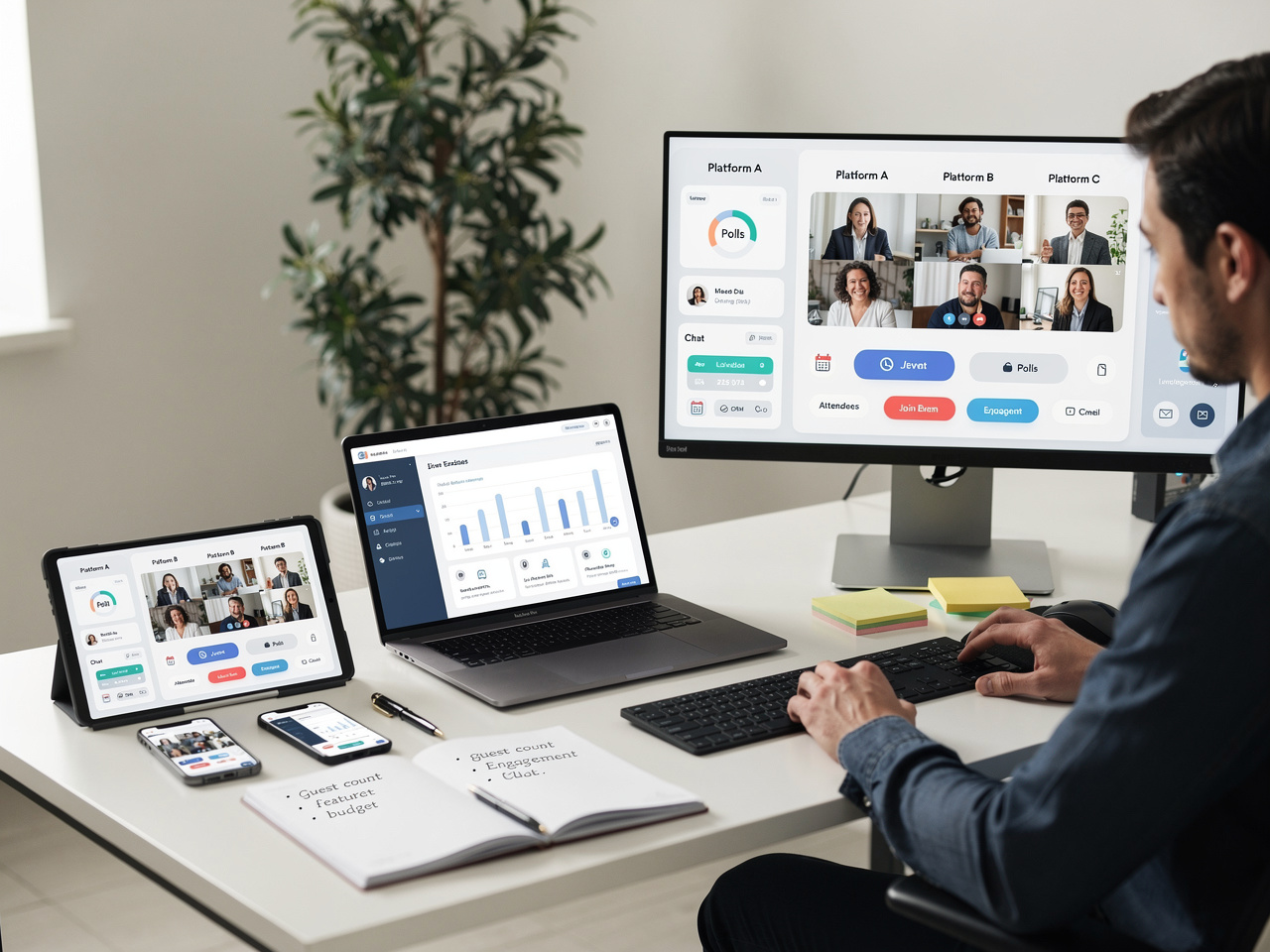
The foundation of any successful virtual event lies in selecting the right platform that matches your event size, features needed, and budget. Consider factors like attendee capacity, interactive capabilities, and integration options with other tools.
Technology Setup for Virtual Events: Complete Step-by-Step Guide
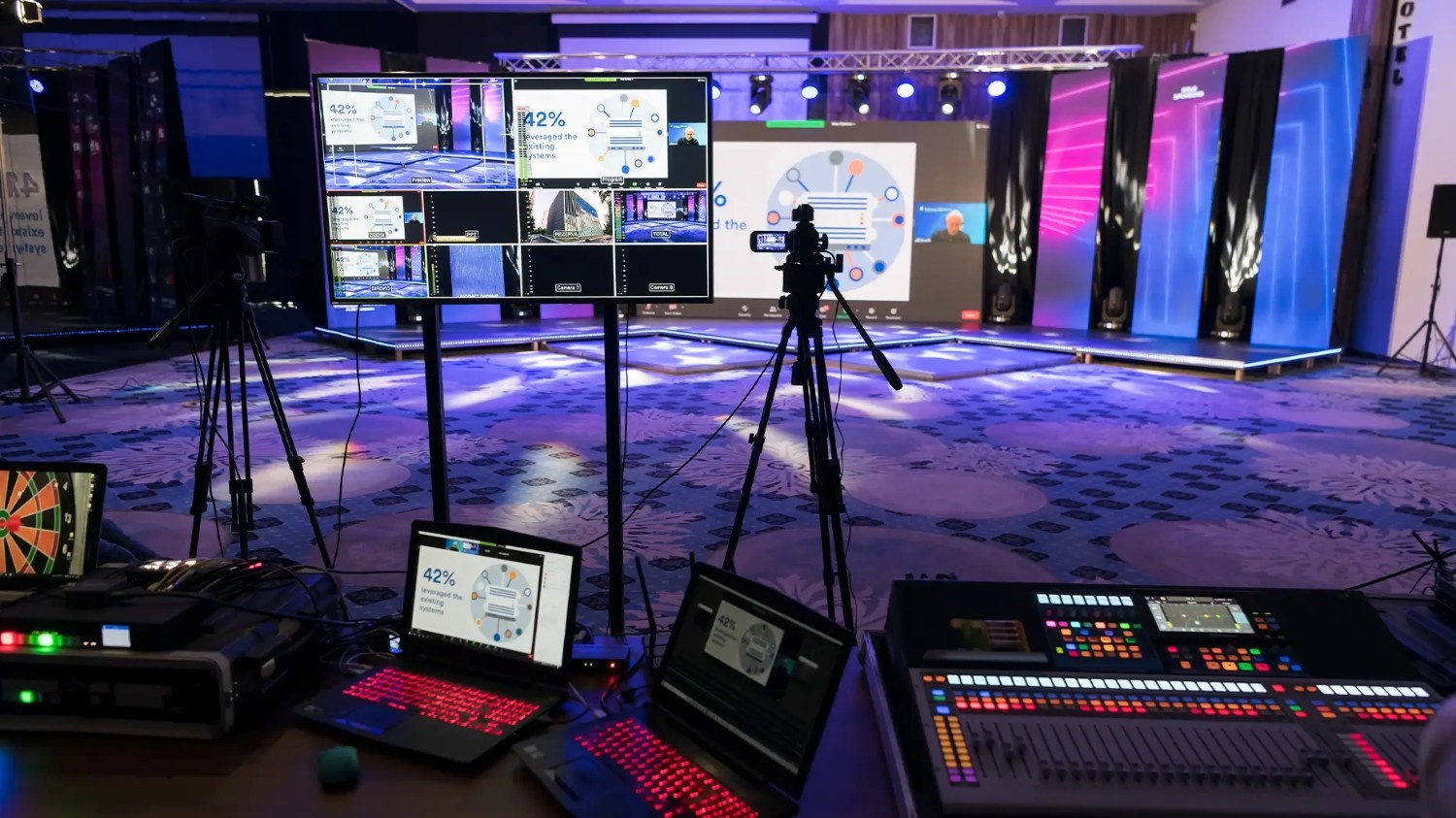
Table of Contents
Step 1: Choose Your Virtual Event Platform
✨ Platform Selection Tips:
- ✓Research platforms that support your expected guest count with room for growth
- ✓Test free trials of 2-3 platforms before making final decisions
- ✓Ensure the platform works well on mobile devices for guest convenience
- ✓Check if the platform integrates with your existing event management tools
Pro Tip:
Use Reverse Auction to get competitive quotes from multiple virtual event technology providers and compare platform features.
Step 2: Set Up Audio-Visual Equipment

High-quality audio and video are crucial for maintaining audience engagement throughout your virtual event. Invest in proper cameras, microphones, and lighting to create a professional broadcast experience.
✨ Essential AV Equipment Checklist:
✓HD webcam or professional camera with USB/HDMI connectivity
✓External microphone or headset for clear audio quality
✓Ring light or softbox lighting for proper illumination
✓Tripod or camera mount for stable footage
✓Audio interface for multiple microphone inputs
✓Backup microphone and camera in case of equipment failure
Pro Tip:
Browse our venue directory to find professional studios equipped with virtual event broadcasting capabilities.
Step 3: Configure Internet and Network Requirements
Reliable internet connectivity is the backbone of successful virtual events. Plan for adequate bandwidth, backup connections, and network optimization to prevent technical disruptions during your celebration.
✨ Network Setup Essentials:
✓Test upload speeds - minimum 10 Mbps for HD streaming
✓Set up dedicated ethernet connection for primary streaming device
✓Configure backup mobile hotspot or secondary internet connection
✓Optimize network by closing unnecessary applications and devices
✓Position router close to streaming location for strongest signal
✓Have technical support contact readily available during the event
Step 4: Select Streaming and Recording Solutions
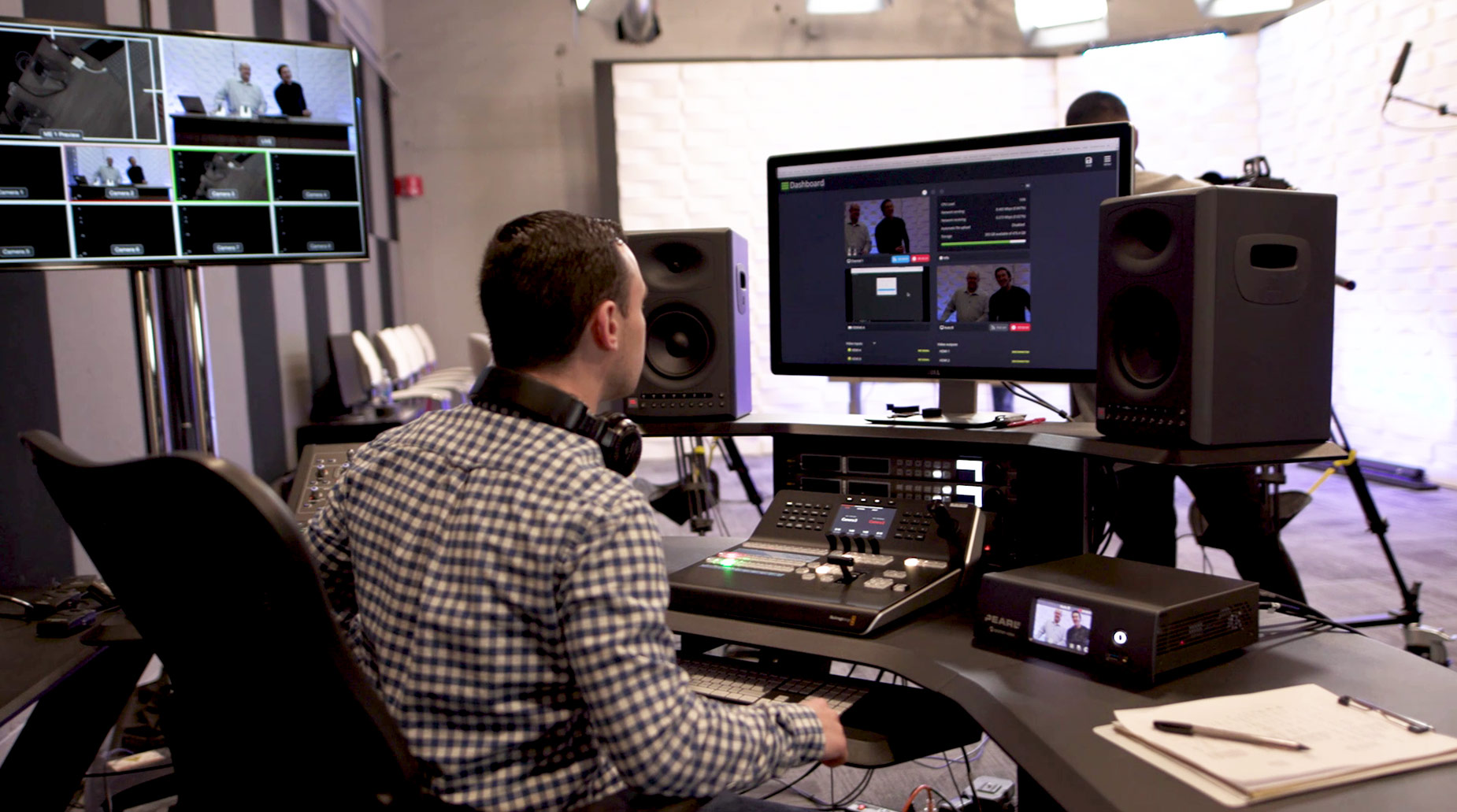
Choose appropriate streaming software and recording options to broadcast your event live while creating lasting memories for attendees who cannot join in real-time.
OBS Studio
Free, powerful streaming software with custom scenes and professional features for advanced users.
Built-in Platform Tools
Use your chosen platform's native streaming and recording features for simplicity and reliability.
Professional Services
Hire experienced streaming professionals for complex events requiring multiple cameras and advanced production.
Cloud Recording
Automatically save events to cloud storage for easy sharing and future access by all attendees.
Step 5: Implement Interactive Features and Engagement Tools
Engagement tools transform passive viewers into active participants, making your virtual celebration feel more connected and interactive for all attendees.
✨ Engagement Ideas:
- ✓Polls and surveys: Create real-time feedback opportunities and fun quizzes related to your celebration
- ✓Breakout rooms: Enable smaller group conversations and intimate moments during larger events
- ✓Chat moderation: Assign team members to manage Q&A sessions and encourage participation
Step 6: Prepare Backup Systems and Technical Support
Murphy's Law applies especially to technology - prepare comprehensive backup plans and support systems to handle any technical issues that may arise during your virtual celebration.
✨ Backup Preparation Must-Haves:
✓Secondary internet connection through mobile hotspot or different provider
✓Backup streaming device (laptop, tablet, or smartphone) ready to go
✓Alternative platform account set up and tested beforehand
✓Technical support person available throughout the entire event
✓Pre-recorded welcome message in case of initial connection issues
✓Contact information for all key participants and technical team members
Step 7: Create Event Timeline and Technical Rehearsal Schedule
A detailed timeline with technical checkpoints ensures smooth execution and helps identify potential issues before your actual event begins.
✨ Sample Timeline:
2 hours before:Complete equipment setup, test all connections, and verify streaming quality
1 hour before:Conduct final audio/video checks and brief all team members on their roles
30 minutes before:Open virtual event room, test interactive features, and welcome early arrivals
Event start:Begin official programming with prepared opening remarks and introductions
Mid-event:Monitor technical performance, manage audience engagement, and address any issues
Event wrap-up:Thank attendees, share recording access information, and collect feedback
Step 8: Execute Final Testing and Go-Live Procedures
The final testing phase is crucial for ensuring everything works perfectly when your guests join the celebration. Create a systematic approach to verify all technical elements.
✨ Final Testing Options:
- ✓Complete dress rehearsal with team members playing guest roles to test all features
- ✓Audio-visual quality check on different devices including phones, tablets, and computers
- ✓Backup system activation test to ensure seamless switching if primary systems fail
Ready to Host Your Perfect Virtual Event?
<p>Let Happiffie connect you with expert virtual event technology providers and ensure your online celebration runs flawlessly from start to finish.</p>
Pro Tips for Success
Start Early
Begin your technology setup planning at least 2-3 weeks before your event to allow time for testing and adjustments.
Stay Organized
Use Happiffie's platform to coordinate with all your technical vendors and keep track of equipment deliveries and setup schedules.
Use Reverse Auction
Get competitive quotes from multiple virtual event service providers to find the best technology solutions within your budget.
Practice Makes Perfect
Schedule multiple rehearsals with your technical team to ensure everyone knows their role and can troubleshoot common issues quickly.

Are you a Vendor? Grow Your Business with Happiffie!
- High intent verified leads
- Reverse auction opportunities
- AI business tools & insights
- Dedicated vendor dashboard
- Grow your business, your way
1M+Active Users
300+Events Daily
High QualityLeads
FasterBookings
It's free & takes less than 2 minutes!